
If you’ve been bracing yourself for a big shake-up in how Salesforce handles user permissions, take a deep breath. Salesforce just made a major announcement, and it changes the game for admins everywhere.
For a long time, everyone expected permissions on profiles to disappear. Plans were made. Migrations were scheduled. Some teams were halfway through overhauling their entire access model. Then Salesforce reversed course. Let’s dig into exactly what happened, why it matters, and what you should do next.
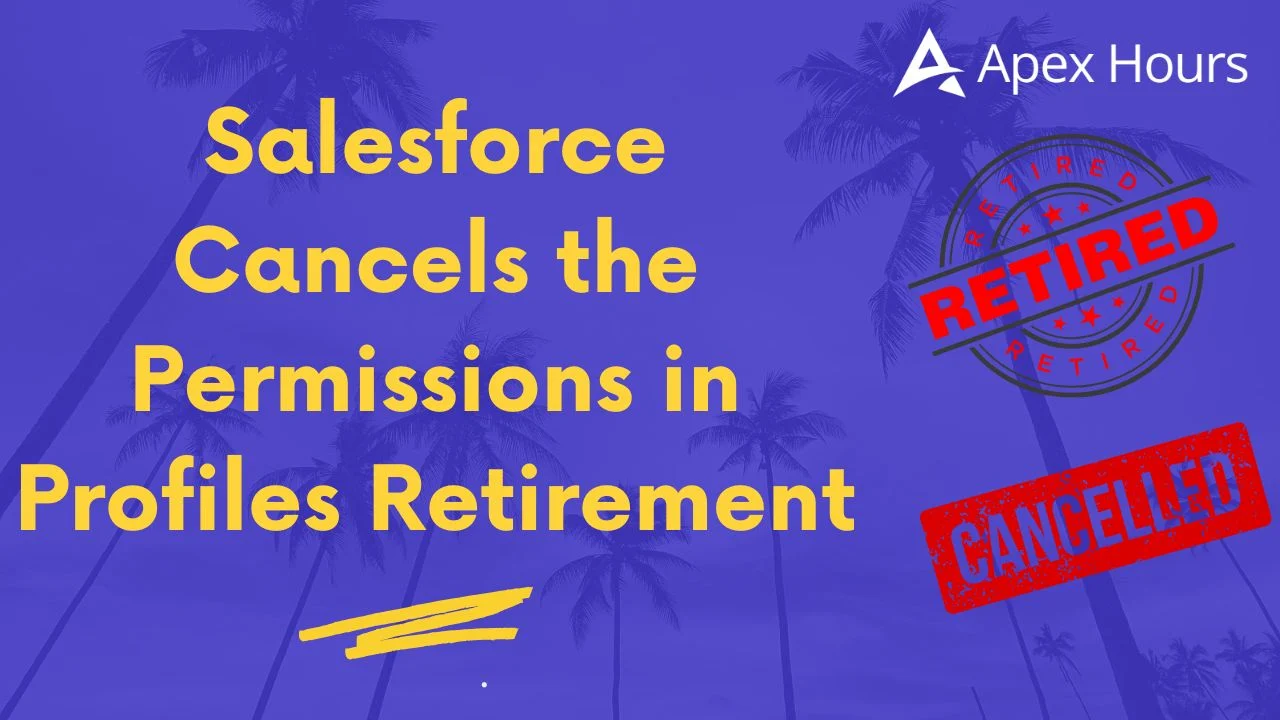
The Headline: The Retirement Has Been Cancelled
Here’s the big one. Salesforce originally announced that it would retire permissions in profiles, with the change set to begin rolling out in the Spring ’26 release. This was a huge deal. It meant that a whole list of permissions—object access, field-level security, user permissions, and more—would eventually have to move out of profiles entirely.
Admins across the ecosystem spent serious time preparing. Many started migrating early to stay ahead of the deadline.
But as of June 6, 2026, Salesforce officially cancelled this enforcement.
That’s right—it’s off the table. Profiles will continue to support permissions for now, with no forced end-of-life date hanging over your head.
Why Did Salesforce Change Its Mind?
This wasn’t a random decision. Two clear reasons drove the reversal:
- Customer feedback. Admins spoke up loudly about the challenges of a hard cutover. Salesforce listened.
- Remaining feature gaps. The tooling wasn’t fully ready to replace everything profiles could do. Forcing the change too early would have left some orgs stuck without clean alternatives.
In short, Salesforce recognized that pushing this through before the ecosystem was ready would create more problems than it solved. Cancelling the retirement gives everyone breathing room—and lets Salesforce keep polishing the tools first.
What This Means for You Right Now
Let’s be crystal clear about the practical takeaways, because this is where it counts:
- No hard deadline. You are no longer racing against a Spring ’26 clock.
- Profiles still work. If your org relies on permissions in profiles today, nothing breaks. Everything keeps running exactly as it does now.
- No forced migration. You won’t be pushed into rearchitecting your access model overnight.
- You migrate on your own terms. Any move toward permission sets is now a choice you make on your own timeline, not a mandate.
So if you were stressed about scrambling to hit a deadline, that pressure is gone. This is genuinely good news.
But Here’s the Important Catch
Just because the retirement is cancelled doesn’t mean Salesforce has abandoned the bigger vision. Far from it.
Salesforce still strongly recommends moving toward a permission set–led security model. The direction hasn’t changed—only the timeline and the “forced” part have. Think of it less as “never mind” and more as “we’re giving you the time to do this properly.”
In fact, Salesforce is actively investing in making this transition smoother, with improvements like:
- A better User management experience inside Setup
- Ongoing enhancements to Permission Sets and Permission Set Groups
- Summary views and admin usability upgrades that make managing access clearer
So the smart play is simple: enjoy the fact that there’s no deadline, but keep steering your org toward the recommended model anyway. You’ll thank yourself later.
Learn more Convert profile to permission sets in Salesforce.
The Recommended Path: Least Privilege
Even with profiles still fully supported, Salesforce points admins toward a least-privilege model. The idea is easy to understand: give people the minimum access they need to do their job, and nothing extra.
In practice, that means:
- Use profiles for baseline, default settings.
- Use permission sets for the actual access and permissions.
This keeps your foundation clean and your access controls flexible.
Are Profiles Dead? Not at All
Let’s kill this myth quickly. Profiles are not disappearing—and now, with the retirement cancelled, that’s truer than ever.
When you create a user, you’ll still assign a profile. Certain settings genuinely belong there and aren’t going anywhere:
- One-to-one settings like login hours and login IP ranges
- Default assignments such as default record types and default apps
- Page layout assignment (Salesforce is investing in Dynamic Forms and App Builder instead)
- Password policies and session settings
Best practice: Assign users the Minimum Access – Salesforce profile (or a clone), and avoid piling permissions directly onto profiles where you can. Keep the profile lean and let it handle defaults.
What Belongs in Permission Sets
Here’s where your access permissions should ideally live:
- Object permissions (Create, Read, Update, Delete)
- Field-level security (FLS)
- User permissions (system and app)
- Custom permissions
- Tab settings
- Non-default record types
- Non-default assigned apps
- Connected app access
- Apex class access
- Visualforce page access
Simple rule of thumb: profiles set the defaults, permission sets grant the access.
Permission Set Groups: The Smart Way Forward
This is the piece that makes the whole model click.
A Permission Set Group lets you bundle several permission sets together and assign them as one package, built around a user’s job function—like “Sales Rep” or “Support Agent.”
For example, if your support agents need Case access, a Knowledge tab, and a specific Apex class, you create those permission sets, drop them into a “Support Agent” group, and assign that single group to your whole support team. Clean and repeatable.
The big advantage over profiles? A user can have many permission set groups, but only one profile. That many-to-one flexibility is exactly why they scale so well and keep your access easy to review.
How to Migrate When You’re Ready
Since there’s no deadline, you can take a calm, planned approach:
- Document your current permissions model.
- Design permission sets and groups around real roles.
- Use User Access Policies to automate assignments.
- Test thoroughly in a sandbox.
- Roll out to production only after full validation.
Tools to Help You Along
- User Access Policies – automate assigning permission sets and groups as roles change.
- The User Access and Permissions Assistant (free on the AppExchange) – analyze, report on, and manage permissions with ease.
- A cleanup routine – tidy up existing profiles and permission sets before you migrate.
Wrapping It Up
So what’s the bottom line? The cancellation of the permissions in profiles retirement is a genuine win for admins. You’ve got no hard deadline, nothing breaks, and you’re back in control of your own timeline.
But don’t mistake “cancelled” for “forget about it.” Salesforce is still building toward a permission set–led future, and the smart move is to head that direction at your own pace. Keep your profiles focused on defaults, lean on permission sets and permission set groups for access, and migrate thoughtfully when the time is right.
You’ve got the freedom and the tools. Now you can build a cleaner, more scalable access model—without the stress. Learn more.