

Recently, we did one session on Subflow in Salesforce. In that session, we learned how to use Subflows in Salesforce Flow. I hope you are already aware of Salesforce flow. If not, then check out our FREE Salesforce Flow Builder Training.
What is Subflow in Salesforce?
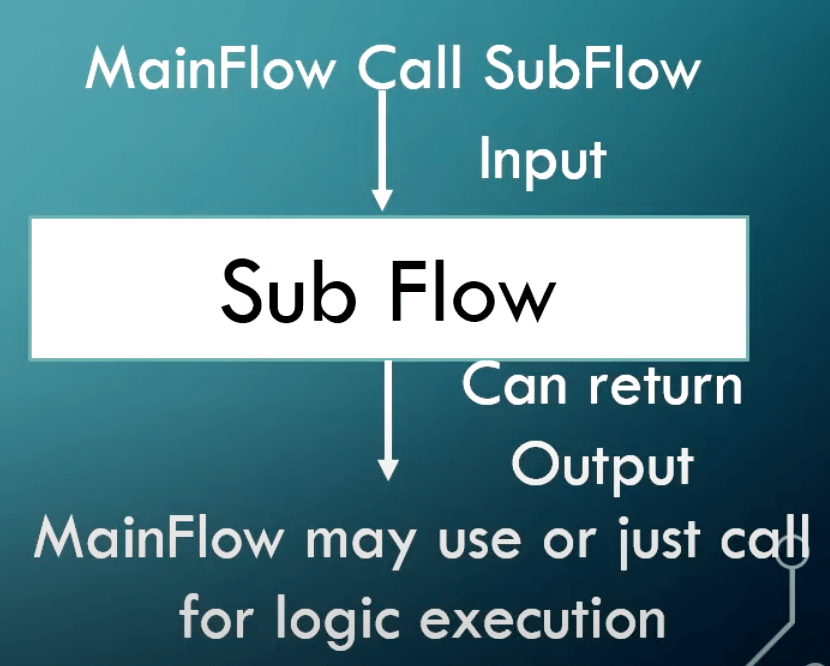
Subflow in Salesforce is reusable and modular components within Salesforce flow builders. They allow you to encapsulate logic and functionality that can be invoked from other flows. Subflow provides a way to break down your complex floe into a smaller, manageable process, promoting code reuse and making flow maintenance easier.
Why Subflows?
- Re-usability: Subflow promotes reusability by encapsulating commonly used logic or functionality. By creating a sub-flow, you can avoid duplicating the same set of steps in multiple flows.
- Modularity: Subflow allows you to break down complex flow into smaller, more manageable pieces. Each sub-flow focuses on a specific task or functionality, making the overall flow easier to understand and maintain.
- Encapsulation: Subflow encapsulates a sequence of flow elements, such as screen, decisions, and assignments, into a single component.
- Code Organization: Subflow improves code organization and maintainability. Instead of having a large flow into a small flow, you can separate the logic into modular subflows.
- Manage Across Flow: Subflow can be invoked from other flows, including auto-launched flows, screen flows, and record-triggered flows. This enables you to share and reuse flow functionality across different processes and automation in your Salesforce org.
How to use Subflows in Salesforce Flow Video

Summary
Thank you so much, Sikha Jain, for such a great session on subflow.