

Learn how we can significantly improve Salesforce developer productivity and code quality by using the right tools at the right time. Let’s see Salesforce Developer tips and tricks.
How to Improve Salesforce Developer Productivity
A Salesforce developer should learn about all the tools below to improve productivity:
- Setup Vs Code for Salesforce
- VsCode Extensions for Salesforce
- Agentforce Vibes
- Claude Code
- VS Code Extensions
- Google Chrome extensions for Salesforce
- Learn Useful Git commands for Salesforce
#1. Setup Vs Code for Salesforce
Visual Studio Code is the recommended IDE for Salesforce development. We can significantly increase productivity by using the right tools at the right time. Visual Studio Code is a popular development tool for its incredible productivity features.

Check our How to Setup Visual Studio Code for Salesforce post to learn step by step process.
#2. Top 10 VsCode Extensions for Salesforce
Learn about VS Code extension for Salesforce and how to configure, and customize it to use as a powerful tool for Salesforce Development.
Here is a list of the top 10 Visual Studio Code Extensions for Salesforce developers.
- Salesforce Extensions Pack
- Apex Replay Debugger
- Salesforce Documenter
- Salesforce LWC Shortcut Keys
- Salesforce Package.xml generator for VsCode
- Salesforce Snippets.
- Salesforce SOQL Editors
- Salesforce Dx Code companion
- Apex PMD
- ForceCode
Check our Top 10 VsCode Extensions for Salesforce to learn more about each extensions.
#3. Agentforce Vibes
Agentforce Vibes (formerly known as Agentforce for Developers or Einstein for Developers) is Salesforce’s AI- powered IDE extension designed to transform how developers build, test, and deploy Salesforce applications. It’s available in VS Code, Code Builder, and is extensible to other agentic tools like Claude Code, Cursor, or Windsurf through the Salesforce DX MCP Server.
Getting Started with Agentforce Vibes
Installation Options
- Agentforce Vibes CLI: Command-line interface for terminal-based workflows.
- VS Code Extension: Install the Salesforce Extension Pack (Expanded) from the Visual Studio Marketplace.
- Code Builder: The extension comes pre-installed in Salesforce’s cloud IDE.
#4. Claude Code
With the rise of generative AI tools, Claude by Anthropic has become a popular choice for developers and businesses looking to integrate advanced language models into their workflows. This guide will walk you through the basic steps to set up Claude for code generation or analysis tasks.
Learn How to Set Up Claude Code: A Step-by-Step Guide.
#5. Top 10 VS Code Extensions
We can increase productivity by using the right tools at the right time. The best extensions vscode can make your life easy for day to day development.
VS Code extensions let you add languages, debuggers, and tools to your installation to support your development workflow. VS Code’s rich extensibility model lets extension authors plug directly into the VS Code UI and contribute functionality through the same APIs used by VS Code.
Here are my top 10 VS Code extensions that every software developer must have.
- Prettier – Code formatter
- Bracket Pair Colorizer
- Vscode-icons
- Indent-rainbow
- Auto Rename Tag
- Settings Sync
- Better Comments
- Code Spell Checker
- RestClient
- Codey’s in bed by 10
Check Top 10 VS Code Extensions to learn more about each extensions.
#6. Google chrome extensions for Salesforce
Want to learn about useful Google chrome extensions for Salesforce? Join us and learn about some Most Popular Salesforce google chrome extensions. In this session, we covered the 9 top Salesforce Chrome extensions.

Here is list of some top Google chrome extensions for Salesforce which we compile
- Organizer for Salesforce
- Salesforce Inspector
- Advanced Code Searcher
- force.com login
- Salesforce API Names
- Salesforce Coloured favicon
- Salesforce DevTools
- Apex Debugger
- Salesforce Navigator
There are lots of other awesome Salesforce extension are available in the market. But in this session, we will talk about the above 9 top google chrome extensions.
#7. Useful Git commands for Salesforce
Version control refers to the process of saving different files or different ‘versions’ of files throughout the various stages of your project. This enables developers to keep track of work or roll back the work (return to a previous phase) if they decide they don’t want to commit the changes.
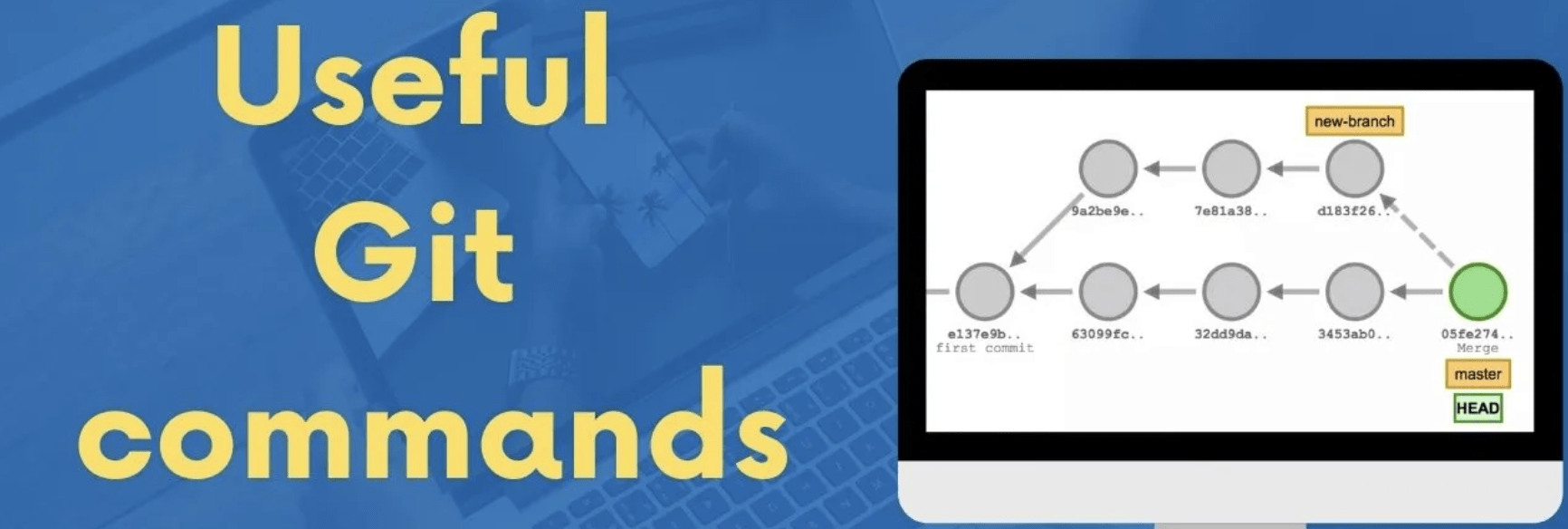
Check Useful Git commands for Salesforce.
Summary
However, one thing is for sure: quality code does what is expected of it and follows a consistent style. According to our experience, when we hear the word high-quality code. All the above tool sets will help you increase your development productivity.